All Activity
- Last week
-
 taxiservicesindore joined the community
 -
 deinc joined the community
 -
 RyPingu joined the community
 -
Is animate coming out for v5?
-
 Alisha Winson joined the community
 -
That's awesome, Ehren. Question: any chance Subway will be available for 5?
- Earlier
-
 Matthew V joined the community
 -
Any word on 4.7.24? edit: Never mind, saw the other post saying no update needed. Thank you!
- 1 reply
-
- 1
-

-
Hi @gmackay19903 Nope, no theme changes are needed for this update
-
Any theme updates required for the 4.7.24 update?
-
Well deserved and I'd say: Quality asserts itself. Just checked and am here since Jan 2016 :)
-
 An0nimowy joined the community
 -
 Leonardo joined the community
 -
Hello, You’re not doing anything wrong. Registration has been disabled on the demo forum.
-
 igores joined the community
 -
Just wondering how to sign in on demo forums there is only existing user sign in no register.
-
Thanks Ehren, this is great news. Do you know roughly when? We're not in a rush to upgrade, but would be nice to have a rough idea when we can expect Shift v5. Thanks again!
-
 Tutal joined the community
 -
I uninstalled and reinstalled Uniform, and it's working now.
-
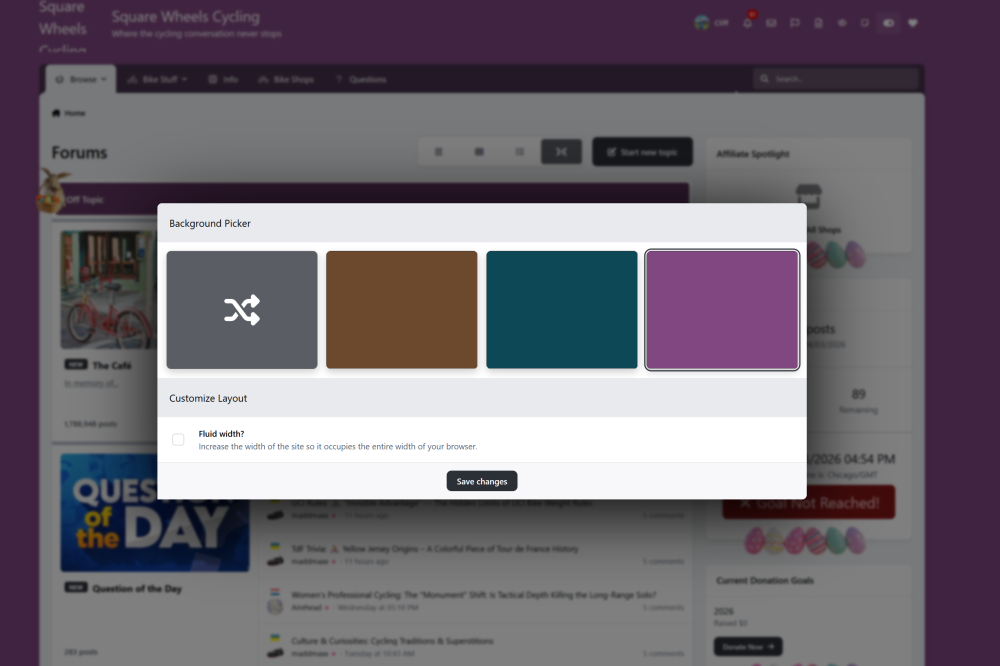
It seems to be mostly the background colors. I lost all custom css settings when I updated https://squarewheelscycling.com. This site updated fine https://www.pathlabtalk.com/forum/. The background colors on the cycling site are not the ones you created. Yes, I always do that after an upgrade. --- I also tried downloading Uniform from here and reinstalling, but that didn't help.
-
By wonky, do you mean your images aren’t loading? Is anything else off? Have you tried clearing your site cache?
-
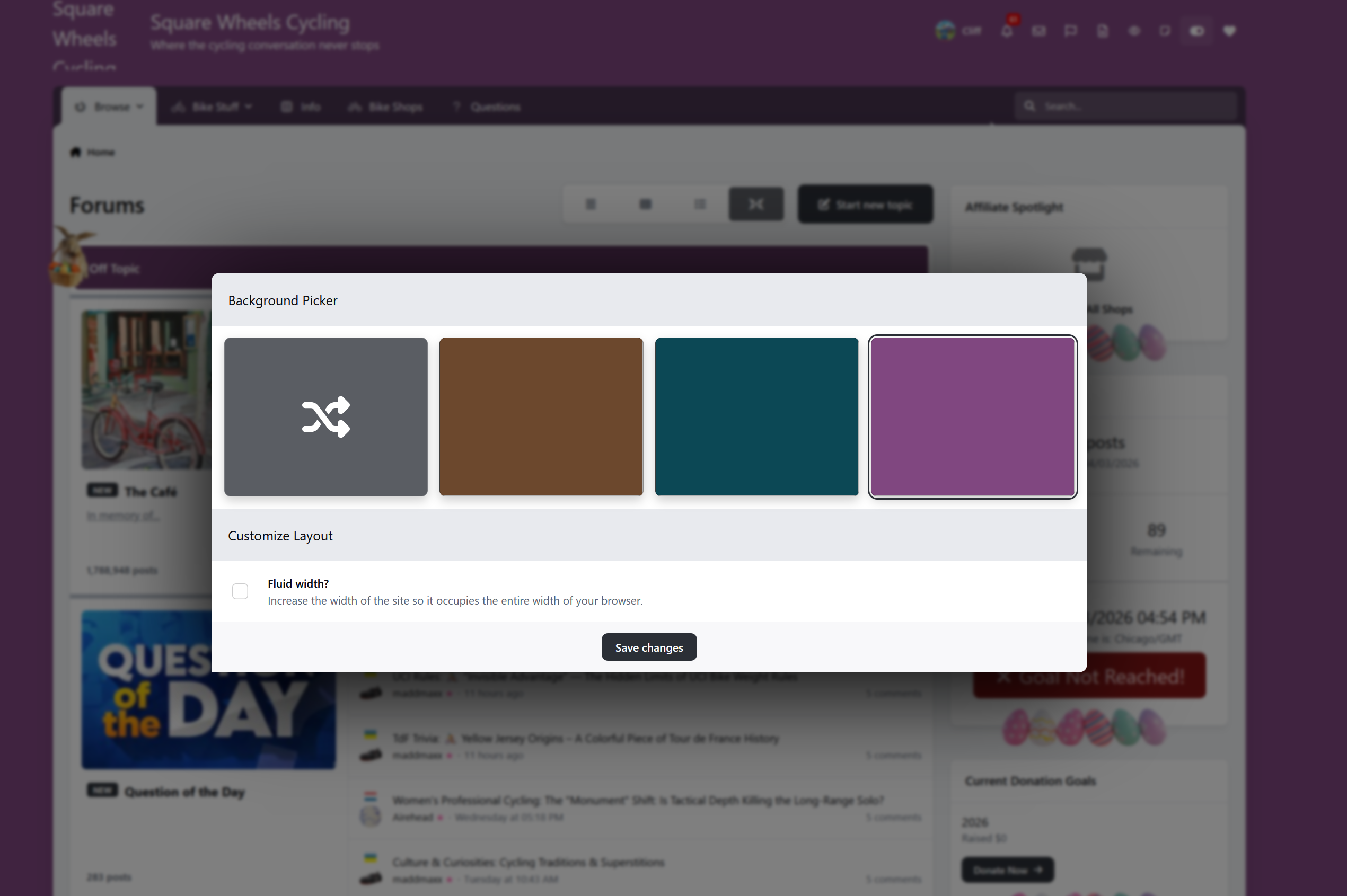
One site it was fine, the other, not so much. You can see the color picker is wonky, and the theme in the background is wonky too.
-
Nope, no theme changes needed. What part in particular are you having issues with?
-
Do we need theme updates? Uniform is not playing well here https://squarewheelscycling.com/, but oddly it is here https://www.pathlabtalk.com/forum/
-
 4doors joined the community
 -

After update from 4.7.23 to 5.0.16 strange icons
Pildi replied to henkbart's topic in Frequently Asked Questions
Thanks @henkbart and @Ehren! I just need to figure out the CSS code for it. -

After update from 4.7.23 to 5.0.16 strange icons
Ehren replied to henkbart's topic in Frequently Asked Questions
You could use CSS to insert a small icon next to the category text using a ::before element, but there’s no built-in setting for this so you’d need to manually upload the icon manually and add the Custom CSS. -

After update from 4.7.23 to 5.0.16 strange icons
henkbart replied to henkbart's topic in Frequently Asked Questions
I have changed them from within the Database, because in the ACP you can not set this. You can look at my forum (https://forum.signalsoft.info) There you see also the Topic Thumbnails i have entered.... Henk -
After update from 4.7.23 to 5.0.16 strange icons
Pildi replied to henkbart's topic in Frequently Asked Questions
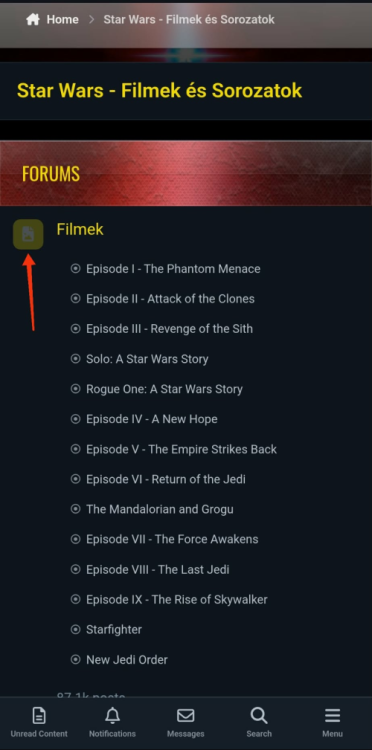
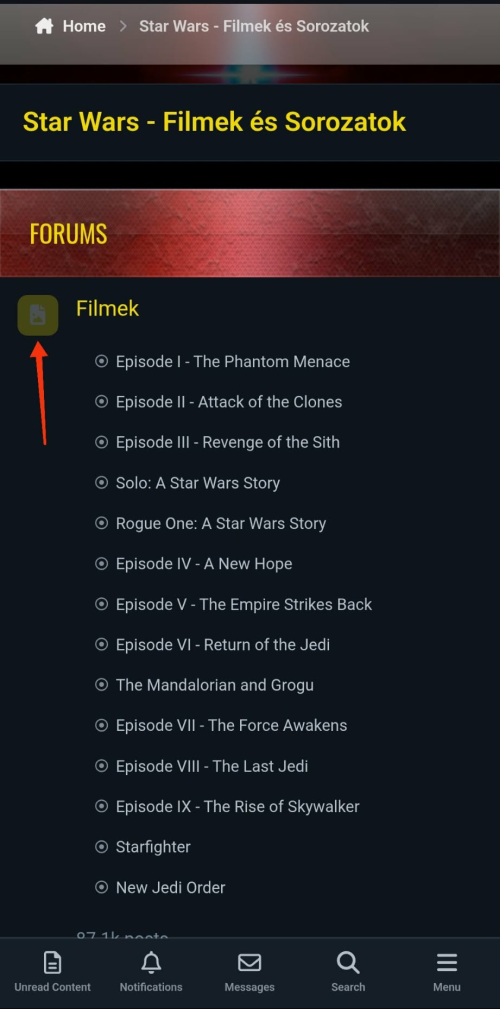
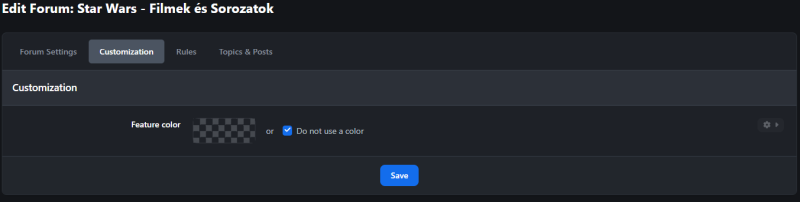
Yes, I know this and I use it. I was referring to the category icons in the image above, I thought that was clear. Sorry. I would like to insert an icon there, but there is no such option.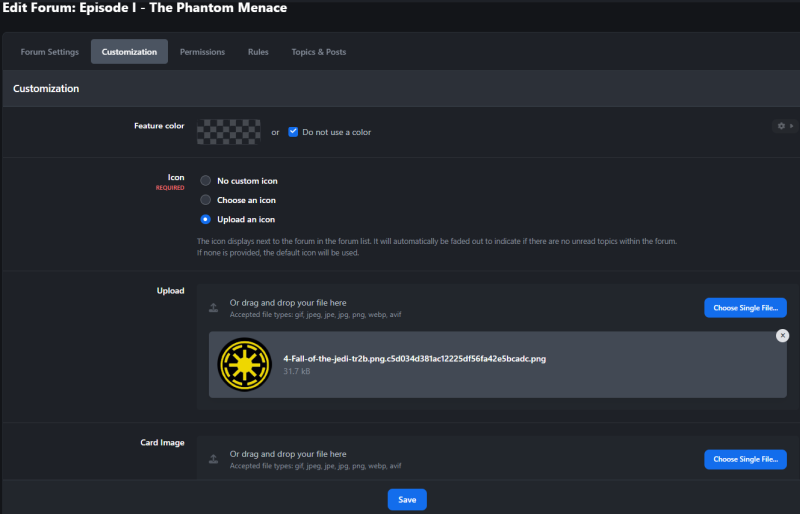
-
After update from 4.7.23 to 5.0.16 strange icons
Ehren replied to henkbart's topic in Frequently Asked Questions
You can change the icon which you pointed to in your screenshot by going to ACP > Community > Forums > *Edit your forum* > Customization > Icon. If you’re referring to topic thumbnails (in topic feeds), it grabs the first image from the topic and uses it as the thumbnail. Adding support for uploadable thumbnails may come in a future v5 update. -
After update from 4.7.23 to 5.0.16 strange icons
henkbart replied to henkbart's topic in Frequently Asked Questions
Hello. Changing the Icon is only available when it is a Discussion forum. When using e catagory you can not change it in the ACP. But there is a way to change them using in the Database!!! -
After update from 4.7.23 to 5.0.16 strange icons
Pildi replied to henkbart's topic in Frequently Asked Questions
Thank you @Ehren! So you're saying I can't add an icon to the main topic because the software is designed that way? -
Shift is in development However for simplicity, I don't have any plans to introduce the colour picker in the v5 theme. The default (blue) colour will be editable via the Theme Editor, but members won't be able to choose their own color combination. The rest of the theme will look the same as the v4 one.
-
After update from 4.7.23 to 5.0.16 strange icons
Ehren replied to henkbart's topic in Frequently Asked Questions
@Pildi When you edit a forum in your ACP, you’ll be given the option to upload your own icon (or select an existing icon/emoji from the icon picker) This isn’t a theme editor thing, but rather a software setting. -
After update from 4.7.23 to 5.0.16 strange icons
Pildi replied to henkbart's topic in Frequently Asked Questions
And what about these icons? Where can I upload my own icons?